VersaTile Support
Find downloadable resources, videos, and alarm meanings for your VersaTile.
Downloadable Resources
Our troubleshooting and quick-start guides will help you set up your VersaHub™ equipment, and show you how it works.
Instructional Videos

Monitor Your Equipment with VersaTile
Learn more about your user-friendly solution for keeping track of your business.

Get Connected
Connect your equipment and get started.

Install Your VersaTile
Understand the steps to correctly install VersaTile.

VersaTile Probe & Sensor Setup
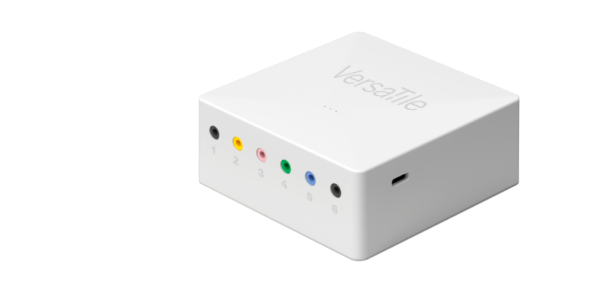
Expand your device's capabilities with up to 6 external sensors.
Frequently Asked Questions
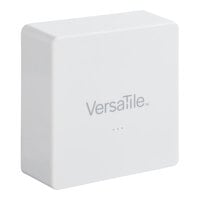
VersaTile is a battery-powered device that wirelessly connects to the VersaHub system. It captures real-time temperature and humidity data and transmits it to the central hub for monitoring and analysis. You can access the data through the VersaHub dashboard and receive alerts and notifications based on predefined thresholds.
- Monitoring of temperature and humidity levels in different areas of your establishment.
- Early detection of potential issues, such as temperature fluctuations or excessive humidity, allowing you to take proactive measures.
- Improved food safety and quality control by ensuring proper storage conditions.
- The ability to track and log historical data for compliance and analysis purposes.
Yes, VersaTile is designed to cater to various commercial environments, including restaurants, cafes, bars, and other food service establishments. Its flexible retrofit design makes it easy to install in different locations, such as refrigerators, freezers, storage areas, and display cases.
Please follow the video guide or quick start guide found on this page to set up your VersaHub unit
VersaTile's battery life varies based on usage and conditions but typically lasts several months before needing replacement.
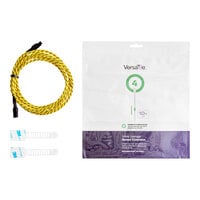
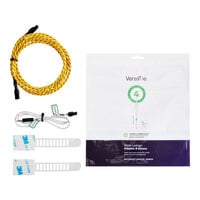
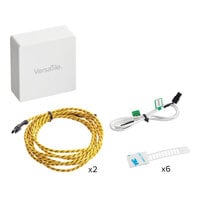
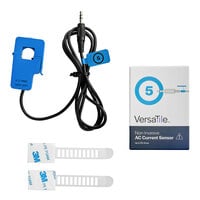
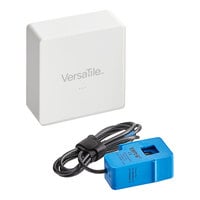
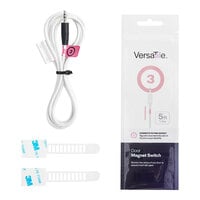
External sensors for VersaTile, such as water sensors and power consumption sensors, are optional and sold separately. These sensors allow you to expand the functionality of VersaTile by monitoring additional parameters and enhancing your overall monitoring capabilities.
The data collected by VersaTile can be accessed through the VersaHub dashboard. The dashboard provides a user-friendly interface where you can view real-time readings, see your historical data, and set up alerts and notifications based on your specific requirements.
VersaTile is exclusively designed to integrate seamlessly with the VersaHub ecosystem and will not work with other platforms.
Support Articles
Find guides for using the VersaHub platform along with other helpful resources like troubleshooting guides for resolving alarms.
View Support Articles